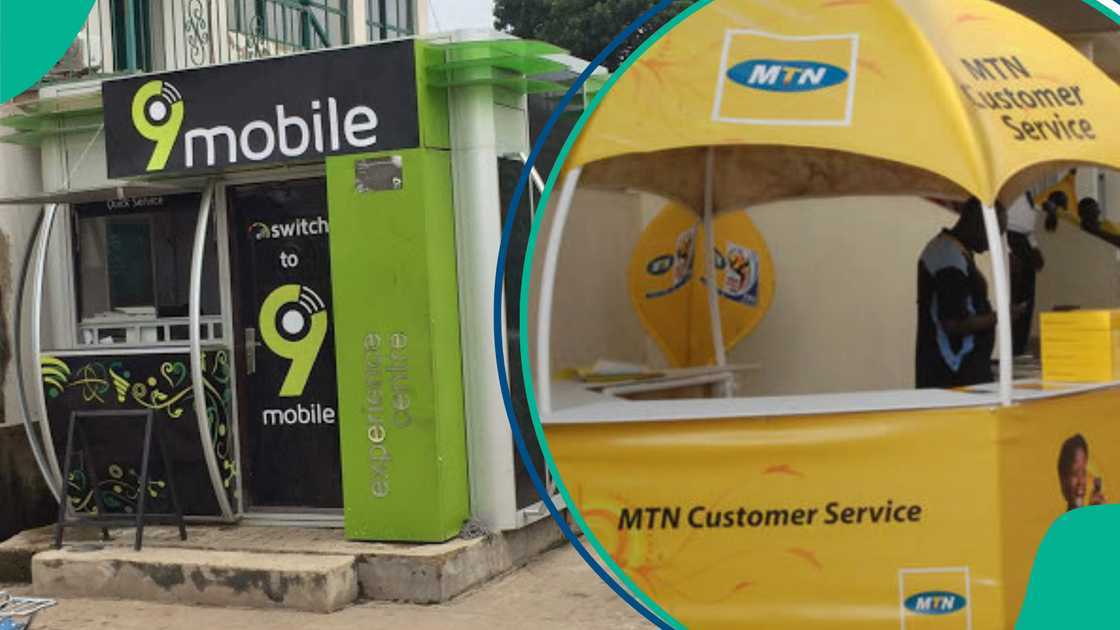
9mobile users face hurdles amid new infrastructure sharing deal with MTN

More than two weeks after 9mobile rolled out its long-awaited infrastructure-sharing arrangement with MTN Nigeria, many subscribers say they are still unable to make calls or send SMS, despite successfully switching to the MTN network as instructed.

The Active Infrastructure Sharing (AIS) arrangement, officially implemented on July 8, is part of a three-year strategic partnership recently approved by the Nigerian Communications Commission (NCC). It is designed to give over 2.6 million 9mobile subscribers access to MTN’s robust and far-reaching infrastructure, theoretically improving network quality and reach nationwide.

However, the rollout has been anything but smooth for many customers, who say the service remains largely inaccessible despite following activation procedures shared by the company.

In the early days of the implementation, 9mobile, through its official X (formerly Twitter) account, provided step-by-step instructions for subscribers to manually activate the AIS feature on their smartphones.

For iPhone users, the company advised: “Go to Settings > Mobile Service > Network Selection > Turn off the Automatic option > Wait for the list of available networks > Select MTN 4G/3G/2G or 62130 > Restart your phone.”

For Android users, the steps were slightly different: “Go to Settings > Network and Internet or Connections > SIM Cards or Mobile Networks > Network Operators > Turn off Auto Select > Wait for available networks > Select MTN 4G/3G/2G or 62130 > Restart your phone.”

While these steps helped some users detect the MTN network signal and even display full network bars, it didn’t translate to restored functionality for a significant number of users.

Network bars present, but calls and SMS still failing

Several subscribers who followed the instructions reported being able to receive calls and see network bars, but not being able to initiate calls or send messages.

User @BrightEugeneVII posted:“@9mobileng, I have just done this and can see network bars for my 9mobile SIM. But that’s where it ends—calls to my 9mobile line aren’t connecting, SMS is not delivering to it, nor can I call or send SMS with it. So what’s the point?”

Another subscriber, @AdeyemiEzekiel, noted:

“Not totally switched on, ’cause I can’t call out even after I restarted my phone. All I hear is ‘the number you are calling is not assigned to a customer.’ How can this be fixed?”

User @Usman added:

“Please, my line has been barred from making calls for over 48 hours.”

These experiences have left many wondering if the new AIS integration was properly tested before its public rollout.

In response to continued subscriber difficulties, 9mobile issued additional troubleshooting guidelines tailored to different phone types and SIM conditions. The telco stated, “Whatever your SIM situation looks like, we have broken down the steps to get you connected.”

For SIMs not registering on the network, 9mobile directed its customers to:

“Go to Settings > Mobile Networks > Network Operators > Manually select: MTN / MTN NG / MTN 4G / 62130.”

For dual SIM phone users who can’t select a network:

“Turn off the second SIM, then go to Settings > Connection > Mobile Networks > Network Operators > Manually select MTN / MTN NG / MTN 4G / 62130.”

For users with multi-SIM phones experiencing difficulty connecting:

“Step down to 3G/2G, manually search and select MTN 4G, then return to 4G mode.”

Yet, even with these extended instructions, many subscribers said their lines remained restricted.

User @ayflavour53 expressed his frustration:

“9mobile service is fully back now, but I still can’t make calls with my SIM. It keeps asking me to register the SIM again before I can make a call with it. Why?”

Physical support centers hard to find

Beyond the technical hurdles, a more pressing concern for many subscribers is the apparent unavailability of 9mobile’s physical service centers. Several customers who attempted to visit the telco’s offices for assistance say they could not find any open locations near them.

User @Imole posted: “Dear @9mobileng, my SIM has been barred due to network issues and I’ve gone to different locations to look for your stated offices, but they are not there anymore. This is not fair.”

Speaking with Business a.m., Chinenye Nuella, a longtime 9mobile customer, expressed similar frustrations. Stating “I’ve been able to switch on my 9mobile SIM. I now have network, but I can’t make calls. It keeps telling me I’ve been barred from making calls and that I should visit their experience centre to register my line or confirm my details. The annoying part is that there’s no physical branch around me. The one very close to my house shut down a long time ago.”

Her experience reflects a broader problem of inadequate on-ground support, especially for customers who might not be tech-savvy or are located in remote areas.

The infrastructure-sharing agreement between 9mobile and MTN was expected to signal a turning point for Nigeria’s struggling fourth-largest telecom operator, which has seen a gradual erosion of its subscriber base in recent years. The NCC-backed partnership is designed to leverage MTN’s wider reach to help 9mobile better serve customers across urban and rural locations.

With over 2.6 million subscribers set to benefit from the AIS rollout, expectations were high. Yet, the current technical hiccups and customer service lapses have left many subscribers questioning the telco’s readiness for such a transition.

However, the company has continued to provide updates and reassurances via social media, but until its subscribers regain full access to basic mobile services, the partnership’s credibility remains in question.


Leave a Comment

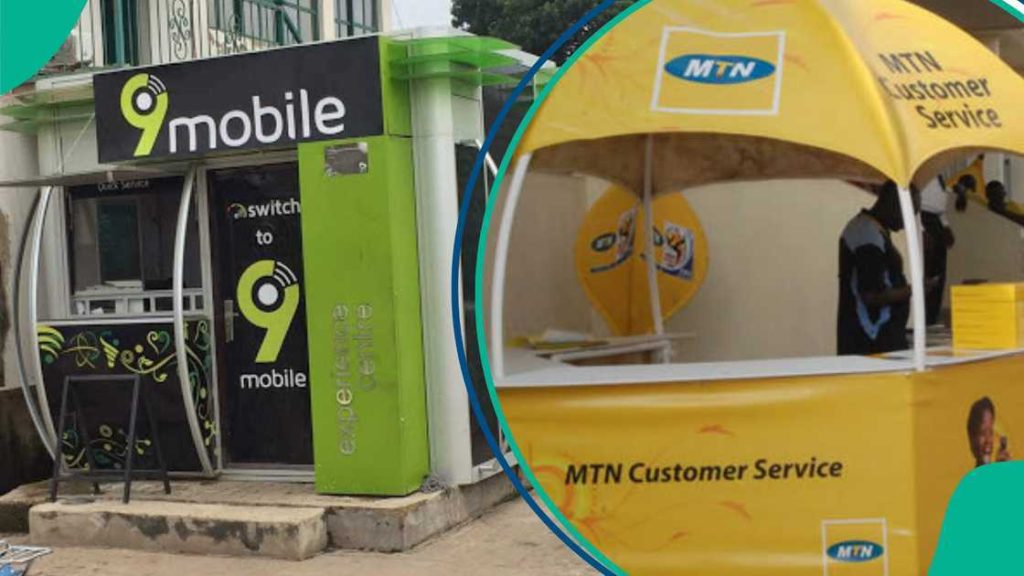
9mobile users face hurdles amid new infrastructure sharing deal with MTN

More than two weeks after 9mobile rolled out its long-awaited infrastructure-sharing arrangement with MTN Nigeria, many subscribers say they are still unable to make calls or send SMS, despite successfully switching to the MTN network as instructed.

The Active Infrastructure Sharing (AIS) arrangement, officially implemented on July 8, is part of a three-year strategic partnership recently approved by the Nigerian Communications Commission (NCC). It is designed to give over 2.6 million 9mobile subscribers access to MTN’s robust and far-reaching infrastructure, theoretically improving network quality and reach nationwide.

However, the rollout has been anything but smooth for many customers, who say the service remains largely inaccessible despite following activation procedures shared by the company.

In the early days of the implementation, 9mobile, through its official X (formerly Twitter) account, provided step-by-step instructions for subscribers to manually activate the AIS feature on their smartphones.

For iPhone users, the company advised: “Go to Settings > Mobile Service > Network Selection > Turn off the Automatic option > Wait for the list of available networks > Select MTN 4G/3G/2G or 62130 > Restart your phone.”

For Android users, the steps were slightly different: “Go to Settings > Network and Internet or Connections > SIM Cards or Mobile Networks > Network Operators > Turn off Auto Select > Wait for available networks > Select MTN 4G/3G/2G or 62130 > Restart your phone.”

While these steps helped some users detect the MTN network signal and even display full network bars, it didn’t translate to restored functionality for a significant number of users.

Network bars present, but calls and SMS still failing

Several subscribers who followed the instructions reported being able to receive calls and see network bars, but not being able to initiate calls or send messages.

User @BrightEugeneVII posted:“@9mobileng, I have just done this and can see network bars for my 9mobile SIM. But that’s where it ends—calls to my 9mobile line aren’t connecting, SMS is not delivering to it, nor can I call or send SMS with it. So what’s the point?”

Another subscriber, @AdeyemiEzekiel, noted:

“Not totally switched on, ’cause I can’t call out even after I restarted my phone. All I hear is ‘the number you are calling is not assigned to a customer.’ How can this be fixed?”

User @Usman added:

“Please, my line has been barred from making calls for over 48 hours.”

These experiences have left many wondering if the new AIS integration was properly tested before its public rollout.

In response to continued subscriber difficulties, 9mobile issued additional troubleshooting guidelines tailored to different phone types and SIM conditions. The telco stated, “Whatever your SIM situation looks like, we have broken down the steps to get you connected.”

For SIMs not registering on the network, 9mobile directed its customers to:

“Go to Settings > Mobile Networks > Network Operators > Manually select: MTN / MTN NG / MTN 4G / 62130.”

For dual SIM phone users who can’t select a network:

“Turn off the second SIM, then go to Settings > Connection > Mobile Networks > Network Operators > Manually select MTN / MTN NG / MTN 4G / 62130.”

For users with multi-SIM phones experiencing difficulty connecting:

“Step down to 3G/2G, manually search and select MTN 4G, then return to 4G mode.”

Yet, even with these extended instructions, many subscribers said their lines remained restricted.

User @ayflavour53 expressed his frustration:

“9mobile service is fully back now, but I still can’t make calls with my SIM. It keeps asking me to register the SIM again before I can make a call with it. Why?”

Physical support centers hard to find

Beyond the technical hurdles, a more pressing concern for many subscribers is the apparent unavailability of 9mobile’s physical service centers. Several customers who attempted to visit the telco’s offices for assistance say they could not find any open locations near them.

User @Imole posted: “Dear @9mobileng, my SIM has been barred due to network issues and I’ve gone to different locations to look for your stated offices, but they are not there anymore. This is not fair.”

Speaking with Business a.m., Chinenye Nuella, a longtime 9mobile customer, expressed similar frustrations. Stating “I’ve been able to switch on my 9mobile SIM. I now have network, but I can’t make calls. It keeps telling me I’ve been barred from making calls and that I should visit their experience centre to register my line or confirm my details. The annoying part is that there’s no physical branch around me. The one very close to my house shut down a long time ago.”

Her experience reflects a broader problem of inadequate on-ground support, especially for customers who might not be tech-savvy or are located in remote areas.

The infrastructure-sharing agreement between 9mobile and MTN was expected to signal a turning point for Nigeria’s struggling fourth-largest telecom operator, which has seen a gradual erosion of its subscriber base in recent years. The NCC-backed partnership is designed to leverage MTN’s wider reach to help 9mobile better serve customers across urban and rural locations.

With over 2.6 million subscribers set to benefit from the AIS rollout, expectations were high. Yet, the current technical hiccups and customer service lapses have left many subscribers questioning the telco’s readiness for such a transition.

However, the company has continued to provide updates and reassurances via social media, but until its subscribers regain full access to basic mobile services, the partnership’s credibility remains in question.

[quads id=1]

Get Copy

Leave a Comment